



Smartphone Screen Repair Guide: Repair Now or Upgrade? ZY 16 High Refresh Screen Series for iPhone Unlocks a New Visual Experience
【ZY New Technology】 Smartphone Screen Repair Guide: Repair Now or Upgrade? ZY 16 High Refresh Screen Series for iPhone Unlocks a New Visual Experience
Like human eyes, even minor damage to your smartphone screen can degrade user experience. According to ZY's after-sales data, 78% of users faced doubled repair costs due to ignored screen issues. Coinciding with the launch of ZY 16 High Refresh Screen Series for iPhone, we present this "Screen Health Self-Check Guide" to help you pinpoint repair needs while introducing the groundbreaking 120Hz ProMotion adaptive refresh rate technology.
4 Key Symptoms for Self-Diagnosis
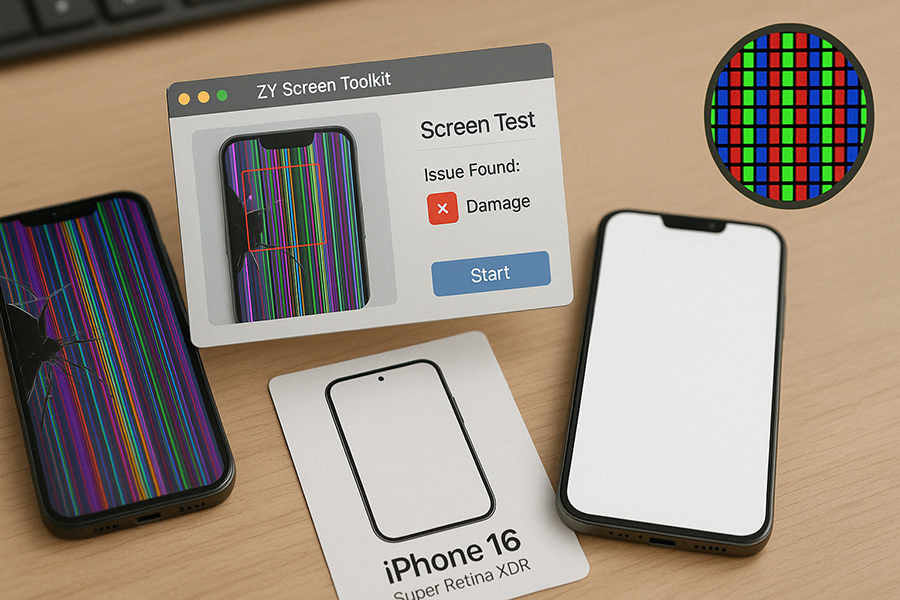
1⃣ Display Anomaly Alert
Symptoms: Color streaks, localized yellowing, flickering/jittering.
Self-Check: Switch to solid-color backgrounds (If you don't know, please come to ZY for help!)
ZY replacement screens: 16 series features next-gen Super Retina XDR displays with 30% higher contrast, exposing even subtle abnormalities.
2⃣ Touch Failure Warning
Test Method: Enable the built-in Touch Track Test (Settings > Accessibility > Touch).
Emergency Fix: Remove third-party screen and reinstall to ZY’s 120Hz High Refresh displays.
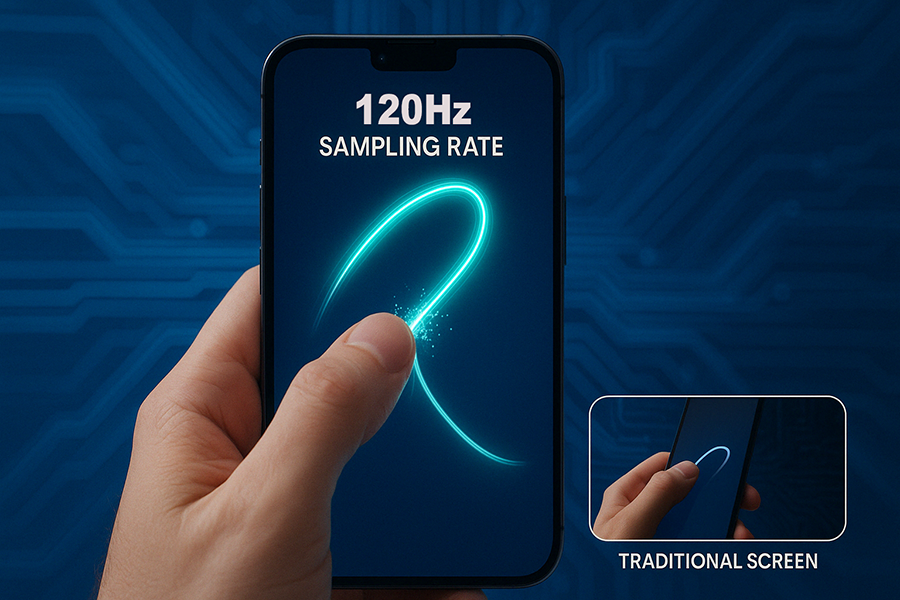
Technology Breakthrough: ZY 16 series with 120Hz High Refresh Rate, boosting swipe response by 40%.
3⃣ Physical Damage Assessment
Risk Levels:
★ Minor Scratches: change to ZY’s Diamond Nano Coating display for repair.
★ Spiderweb Cracks: Repair within 72 hours to prevent liquid crystal leakage.
★ Edge Cracks: Power off immediately to avoid internal component damage.

